
Tutorial · Suno · FFmpeg · YouTube
The Suno settings we use for six-minute instrumentals, how we pick versions, and an FFmpeg pipeline that builds a 1-hour video with chapters at -14 LUFS in about three minutes.
One-hour study and sleep videos are mostly a production problem: six-minute instrumentals without stray vocals, smooth crossfades, even loudness, a background that loops without a visible seam, and correct chapters. This guide covers the Suno settings we used for our own channel and an FFmpeg pipeline that builds the video in about three minutes on a 2-vCPU machine.
What was tested how: the pipeline (crossfades, loudness, chapters, looping, file sizes) was run end to end on 2 vCPUs with FFmpeg 6.1 using seven test tracks – synthetic audio, not music, so the timings and measurements are real but you won’t hear them. The Suno settings and the selection numbers come from producing our channel’s episodes in late 2026.
Part 1 – Generate tracks that fill an hour
Settings for every track
| Suno field | What we entered |
|---|---|
| Mode | Custom / Advanced |
| Model | The newest your plan offers (v6 for us) |
| Lyrics | Only structure tags – see below |
| Styles | Genre, instruments, tempo and mood, e.g. lo-fi hip hop, warm Rhodes piano, soft vinyl crackle, brushed drums, 70 bpm, cozy winter night, instrumental |
| Exclude styles | What must not appear, e.g. vocals, singing, humming, choir, spoken word |
| Duration | Custom, slider to the maximum (6:00 for us) |
| Title | EP3-01 First Snow – episode and track number first, so files sort and filter |
The Lyrics box gets the same skeleton every time. Without lyrics, these tags nudge the model toward a long instrumental with gentle changes:
[Intro]
[Instrumental]
[Instrumental]
[Break]
[Instrumental]
[Instrumental]
[Break]
[Instrumental]
[Instrumental]
[Outro]
Tags are hints, not commands – the model can ignore them, and results change between model versions. Listen to everything.
Choosing which version to keep
Each generation gives two versions. Across the first 47 generations for our channel, about a third of the second versions came out short, between 2:30 and 4:54. Our keep rules:
- Length close to 6:00; nothing under 4:30.
- No vocals or vocal-like humming anywhere. Exclude styles lowers the chance but doesn’t remove it, so listen to the whole track.
- A steady groove in the first 10 seconds; no sudden volume jumps, harsh highs or startling bells (these wake sleep listeners).
- A natural ending, not a cut-off.
- It sits well next to the previous track in key and timbre.
Rights first: commercial use depends on your Suno plan and its current terms – read them before publishing. Download through Suno’s own download options (WAV if your plan has it) rather than recording playback, and say in the description that the music is AI-generated.
Part 2 – Build the 1-hour video
Put an episode’s tracks in one folder, named so they sort in order, with the background loop as bg.mp4:
music/03 Snowy Night/
  EP3-01 First Snow.wav
  EP3-02 Tea on the Stove.wav
  ...
  EP3-07 Snow Until Morning.wav
  bg.mp4            # 10-second seamless loop
Seven tracks of about six minutes make 42 minutes, so we replay three of them to pass the hour. One command does the rest:
$ python long_video.py Snowy --copy-video --reprise 3,5,7
1 episode(s), 1 succeeded. Output folder: longvideo
On our 2-vCPU test machine that took 181 seconds for a 1:00:24 video. Under the hood it runs four FFmpeg stages:
- Crossfade the tracks with
acrossfade=d=4:c1=tri:c2=tri(never more than half of either track). - Measure loudness of the mix with
loudnorm ... print_format=json. - Normalise linearly to -14 LUFS using those measurements (
linear=truekeeps the dynamics instead of squashing them), thenalimiterto catch peaks. - Loop the picture to the audio length with
-stream_loop -1and-c:v copy– the 10-second background is copied, not re-encoded, which is why it takes minutes rather than tens of minutes.
We checked the finished file’s loudness independently with FFmpeg’s EBU R128 meter:
$ ffmpeg -i "03 Snowy Night.mp4" -vn -af ebur128=peak=true -f null -
    I:         -14.0 LUFS
    LRA:         7.9 LU
Chapters are calculated, not guessed
Crossfades shift every start time, so the script computes chapters from the actual overlaps and writes them into a description draft:
0:00 First Snow
0:05:54 Tea on the Stove
0:11:51 Pages by Lamplight
0:17:43 Plum Blossoms in Snow
0:23:41 Embers
0:30:11 Quiet Courtyard
0:36:06 Snow Until Morning
0:42:02 Pages by Lamplight (reprise)
0:47:54 Embers (reprise)
0:54:24 Snow Until Morning (reprise)
That fits YouTube’s rules for description chapters: the first timestamp is 00:00, there are at least three, in ascending order, and each chapter is at least 10 seconds long.
Part 3 – Keep the file size sane
Because the loop is copied, the hour-long video is roughly the loop’s size × 360 plus the audio. We built the same hour twice:
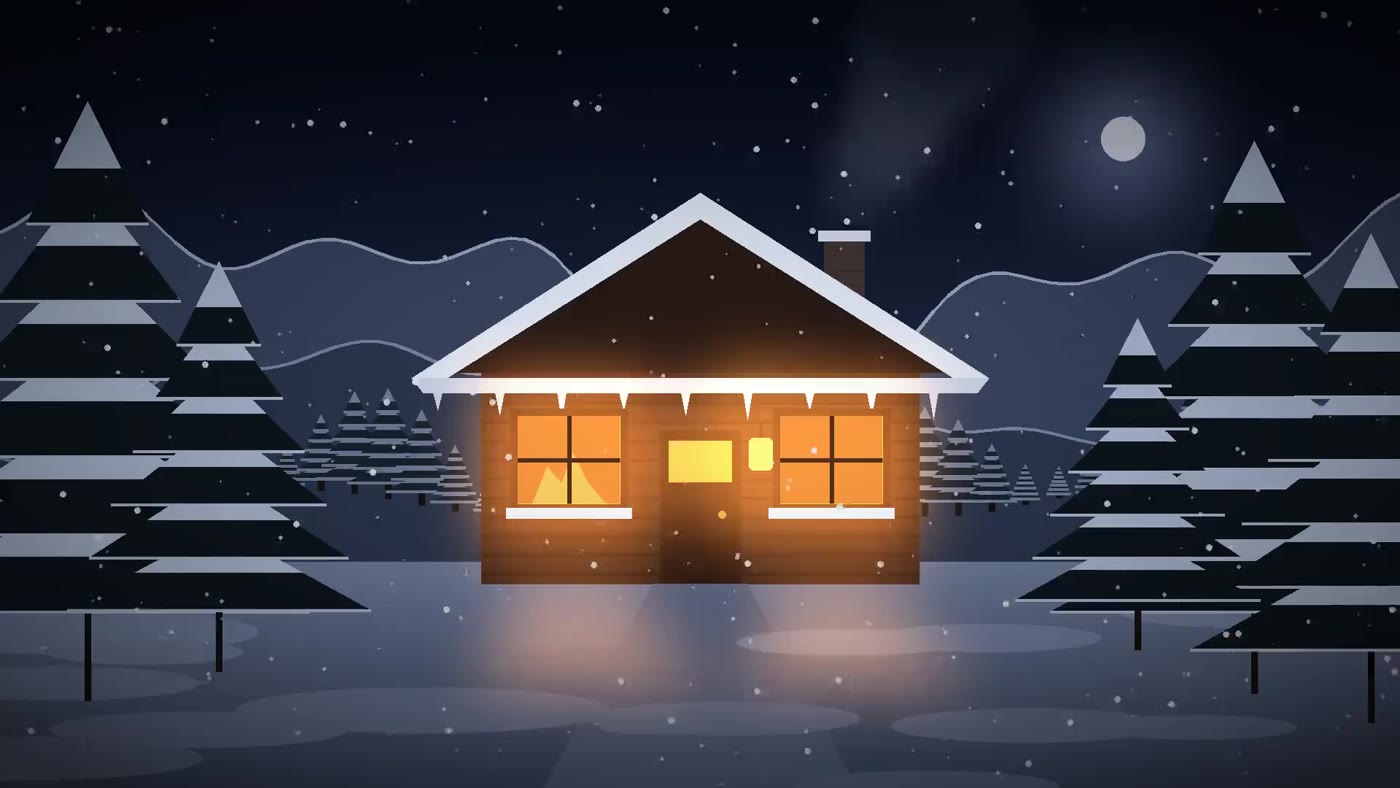
| 10-second loop | Loop size | 1-hour video |
|---|---|---|
| Rendered at crf 24 | 2.07 MB | 839 MB |
| Re-compressed at crf 32 | 0.88 MB | 408 MB |
ffmpeg -i bg.mp4 -c:v libx264 -crf 32 -preset slow -tune animation -pix_fmt yuv420p -g 240 bg_c32.mp4Scenes with many moving particles compress worse. When our snow scene had 900 flakes and per-frame film grain it was about 2.1 MB per 10 seconds even at crf 30; fewer flakes and a fixed grain pattern fixed that. For a seamless loop, every moving element must complete a whole number of cycles in the 10 seconds, so the last frame leads straight back into the first.
Checklist before you upload
- Every track listened to in full: no vocals, no cut-off endings.
- Loudness measured on the final file, not just the mix.
- Chapters pasted from the generated file, first line
0:00. - AI music disclosed in the description; rights checked against your plan’s current terms.
- Thumbnail and title promise what the video is (study, sleep, focus) – no misleading claims.
Prompts and scripts for your own episodes
The free Suno cheat sheet has 30 style recipes, including study and sleep scenes. The lo-fi channel kit contains the pipeline used above (long_video.py with crossfades, two-pass loudness, chapters and reprises), five seamless animated scenes, thumbnail and Shorts scripts, 143 prompts and the 24/7 live-stream setup.
Making songs with vocals rather than background music? The Suno v6 Songwriting Prompt Library has 312 prompts across 12 scenes, from short-video hooks to custom gift songs.
FAQ
Why -14 LUFS?
It is a common integrated-loudness target for online music. For sleep content you may prefer quieter – the script takes --lufs -16, for example – together with longer crossfades.
Can I use a still image instead of an animation?
Yes. A bg.jpg is rendered at 2 frames per second, which is fast and very small, though an animated loop usually looks more alive.
Do I need a GPU?
No. With --copy-video the picture is never re-encoded, so a modest CPU is enough.
Sources
- Suno: Introducing v6
- Suno terms of service
- YouTube Help: Video chapters
- FFmpeg filters: loudnorm, acrossfade, ebur128
AI Stack Nav is independent. Product names are trademarks of their owners.